
Documentation
VT Planner User Guide
VT Planner user guide for creating projects, configuring buildings and elevator setups, running analyses, reading results, and exporting technical reports.
VT Planner is a tool for studying vertical transportation in buildings. The main workflow starts with a project, saves a version of the building, defines one or more elevator setups, and runs analyses to compare results.
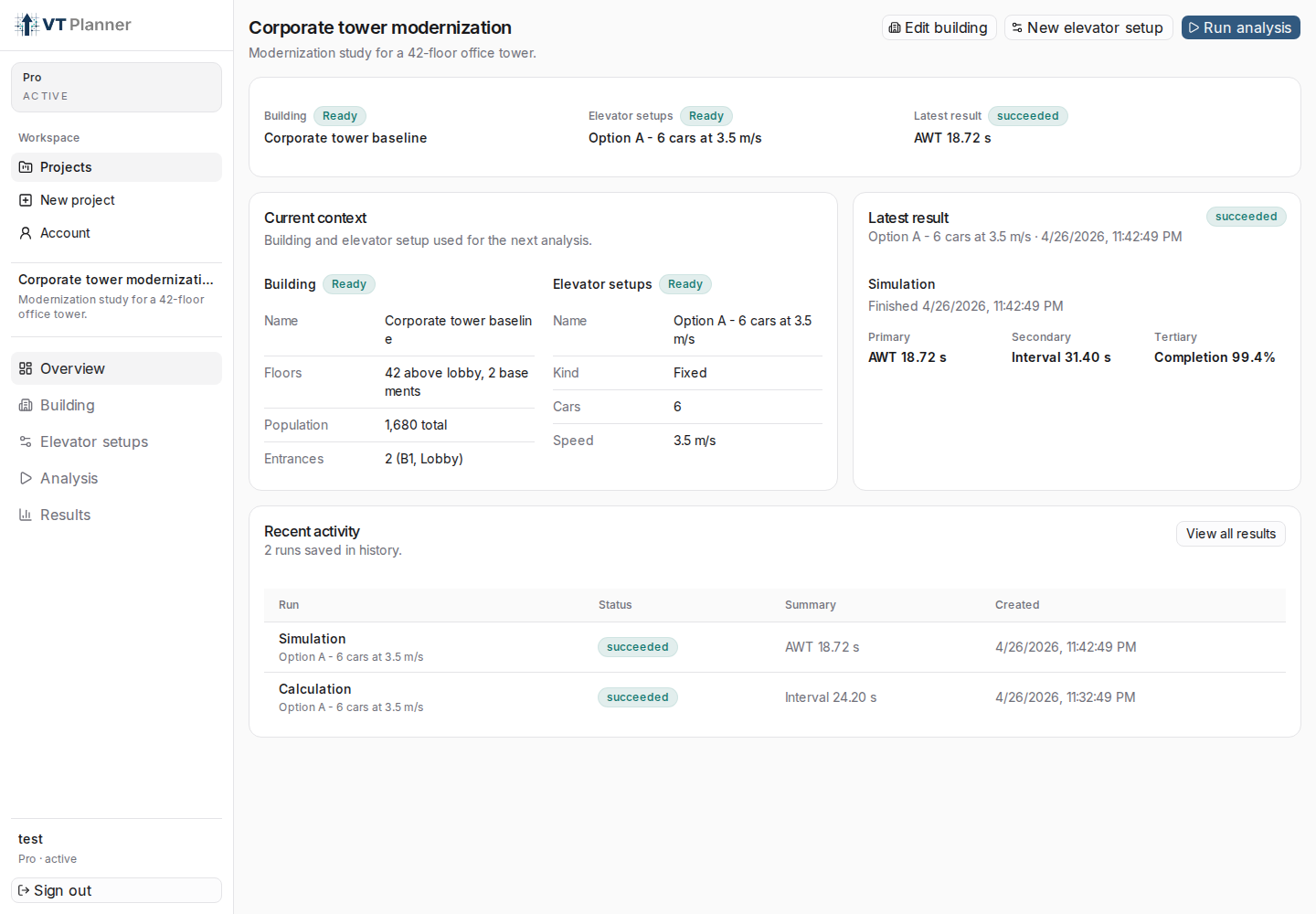
Main Workflow
- Create a project to group the study.
- Define the building: floors, entrances, heights, and population.
- Save an elevator setup for that building.
- Run a calculation, simulation, or multi-run simulation.
- Review results, compare runs, and export PDF reports.
What This Guide Covers
- how to create and organize projects;
- how to navigate the workspace;
- how to complete the building with consistent data;
- how to define an elevator group;
- when to use
Fixed setuporParameter sweep; - what changes between
Calculation,Simulation, andMulti-run simulation; - how to read the run history table, embedded report, and PDF export;
- how to change display units;
- what the main technical metrics mean.
Before You Start
You need an account with permission to create projects and run analyses. If your account is read-only, VT Planner may show notices such as Read-only, Project creation is blocked, or equivalent plan-related messages.