
Documentation
VT Planner Analysis Guide
Guide to selecting VT Planner analysis modes, running calculations, simulations, multi-run simulations, and parameter sweep batches.
The Analysis tab lets you select a saved setup, adjust execution options, and launch the study from the Launch panel.
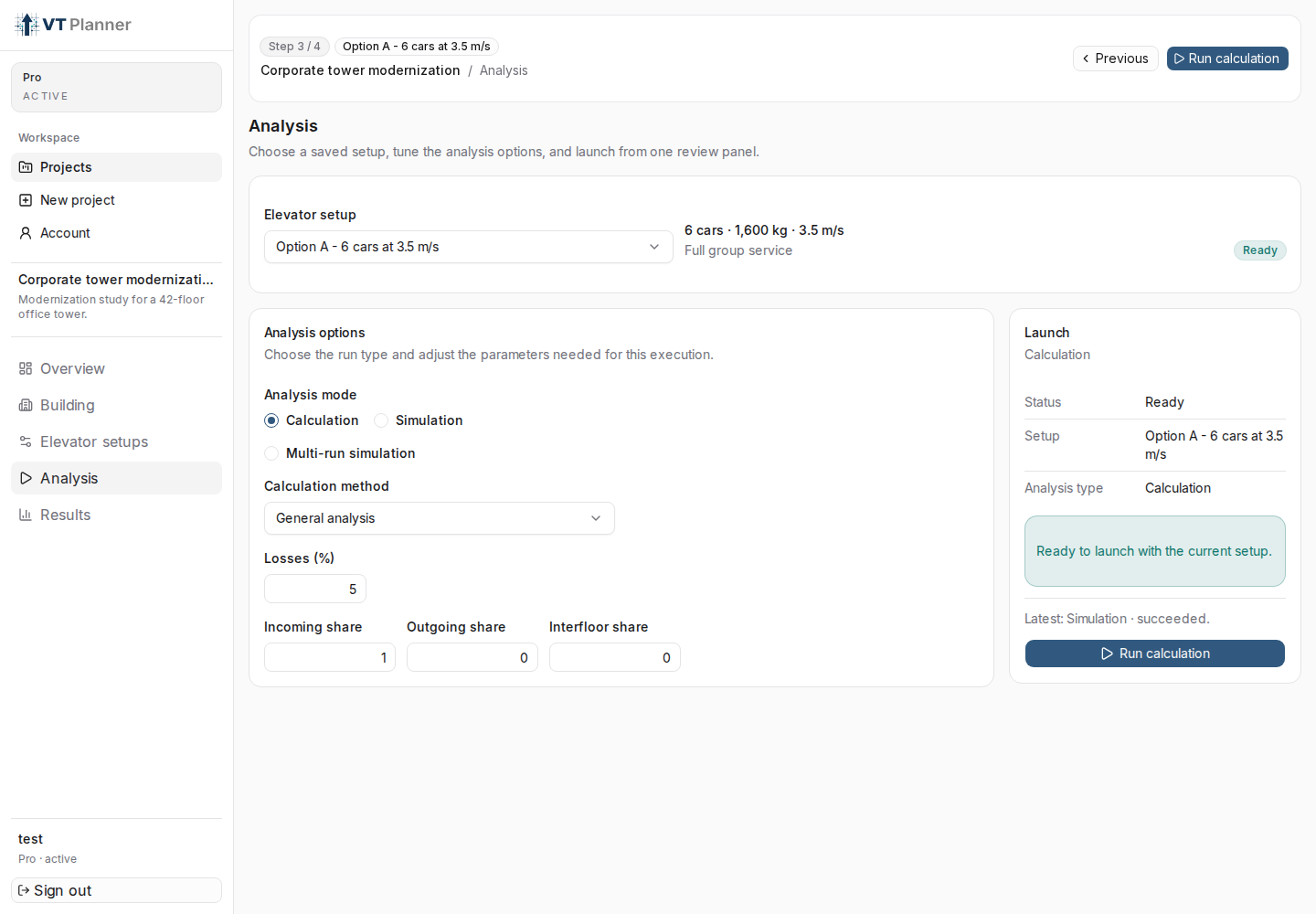
Calculation mode with calculation method, losses, and launch panel.Requirements
Before running:
- the building must be saved;
- at least one
Elevator setupmust exist; - the selected setup must not be
Outdated; - no other analysis can be
queuedorrunningin the account; - your plan must allow new executions.
The Launch panel shows Ready, Action needed, or Processing depending on status.
Analysis mode
VT Planner offers three modes:
| Mode | Recommended use |
|---|---|
Calculation |
Fast, structured estimate for checking capacity, interval, and basic criteria. |
Simulation |
Time-based simulation with traffic pattern, dispatcher, and operating parameters. |
Multi-run simulation |
Multiple simulations to observe seed variability and obtain more robust results. |
Calculation
Main fields:
Calculation method:Up-peak,Down-peak, orGeneral analysis.Losses (%): margin applied to the calculation.Incoming share,Outgoing share,Interfloor share: appear inGeneral analysis.
Use Calculation to quickly validate an alternative before running more expensive simulations.
Simulation
Main fields:
Dispatcher: assignment strategy.Traffic pattern:Up-peak,Down-peak,Interfloor,Mixed,Midday / Lunch.Duration (min): simulated duration.Seed: reproducible seed, optional.Capacity factor (%): operating load limit.Load bypass (%): threshold above which a car may skip new stops.Coincident bonus: adjustment available for compatible dispatchers.
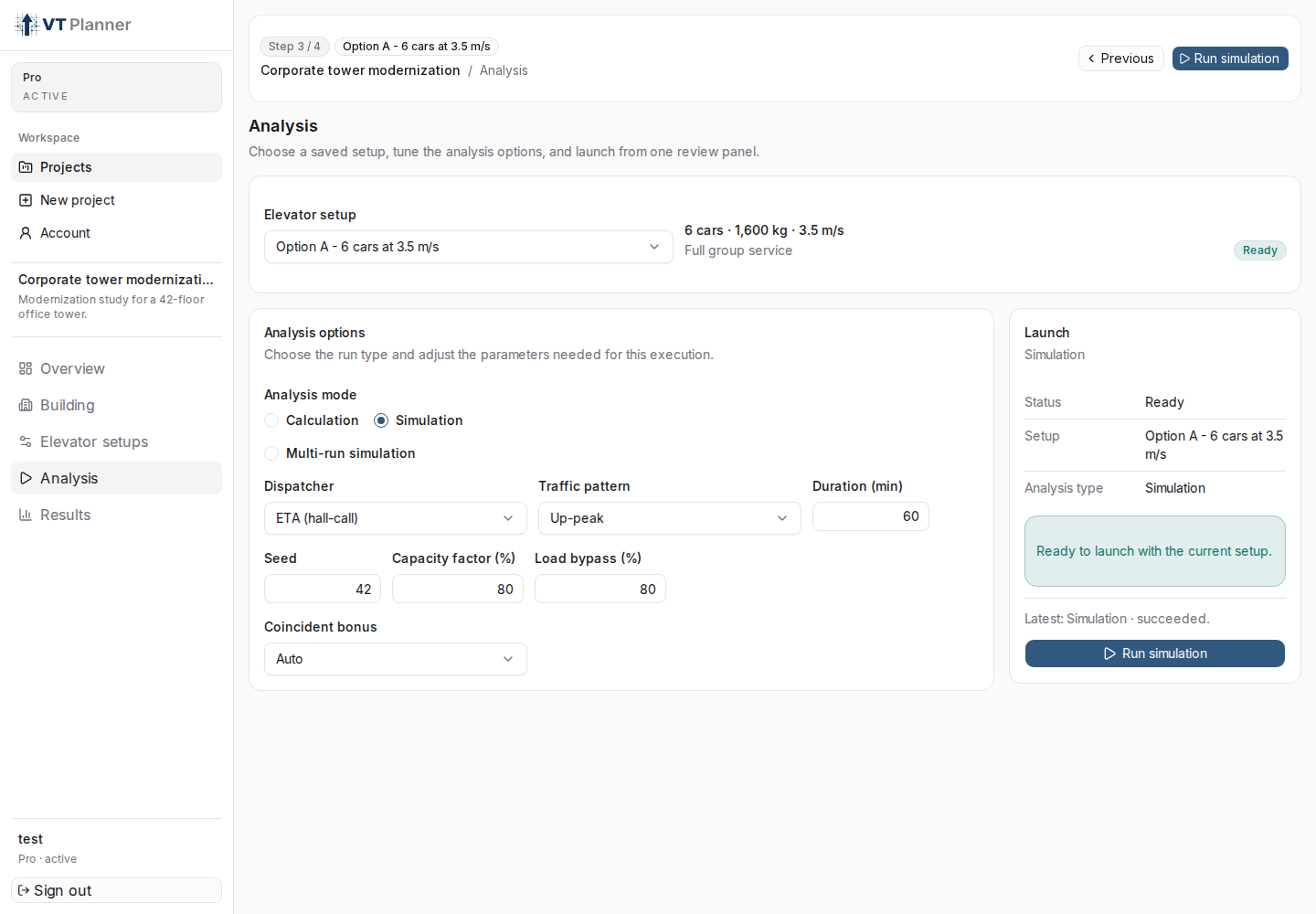
Simulation mode with dispatcher, traffic pattern, and execution parameters.Multi-run simulation
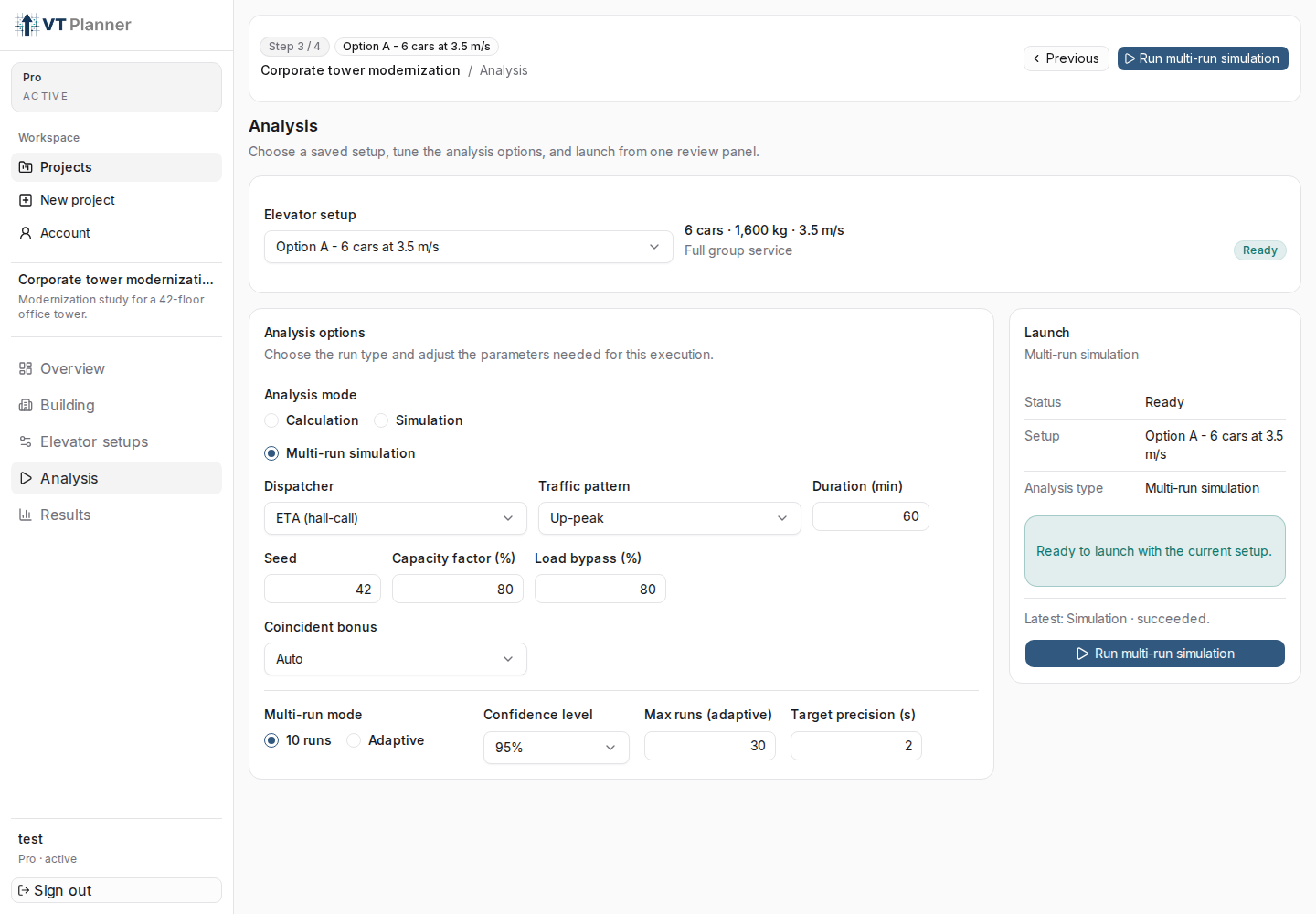
Multi-run simulation executes multiple simulations to study variability. Options:
10 runs: fixed mode.Adaptive: runs until target precision or maximum limit is reached.Confidence level: confidence level used by adaptive mode.Max runs (adaptive): maximum allowed runs.Target precision (s): target precision for the main metric.
Parameter sweep
When the setup is a Parameter sweep, VT Planner can launch calculation or simulation batches. Before launching:
- enable variation in at least one dimension;
- confirm that the total number of runs is greater than one;
- confirm that the total does not exceed the limit shown in
Run limit.
Launch the Analysis
When the panel says Ready to launch with the current setup, select:
Run calculation;Run simulation;Run multi-run simulation;Run calculation batch;Run simulation batch.
The run appears in Results with status queued, running, succeeded, or failed.